Dishwasher Won’t Start? Here’s How to Troubleshoot It
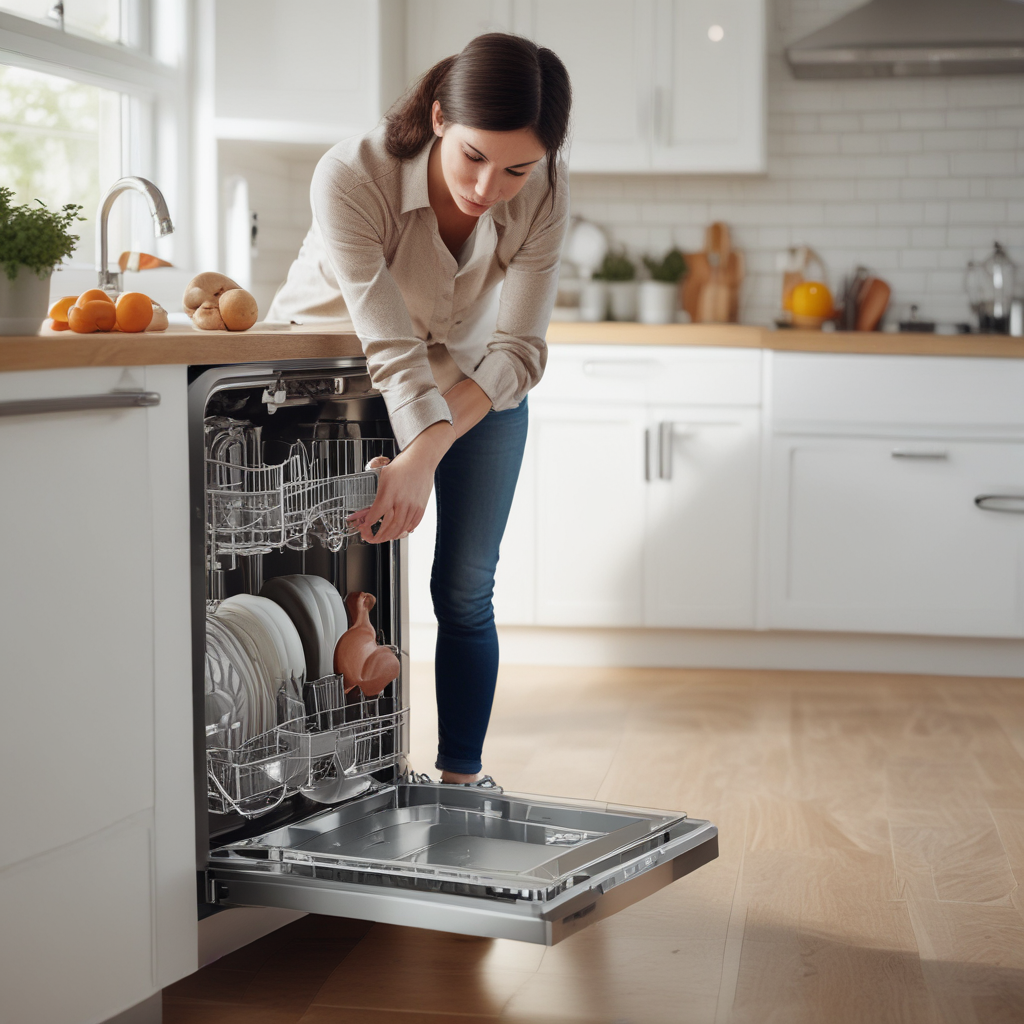
You load the dishwasher, add the detergent, close the door, and press Start — and nothing happens. No hum, no water rushing in, no beep. Just silence. A dishwasher that won’t start is one of those frustrating appliance problems that can feel mysterious, but in most cases the cause is something you can actually diagnose yourself before calling in a repair technician.
In this guide we’ll walk through the most common reasons a dishwasher refuses to start, from the obvious to the overlooked, and what you can do about each one. Whether you’re in Tampa, Wesley Chapel, Land O’ Lakes, or anywhere else in the Tampa Bay area, this step-by-step troubleshooting walkthrough will help you figure out what’s going on.
Before You Do Anything: Quick Safety Check
Before touching anything on your dishwasher, make sure it’s safe to work around. If you smell burning plastic or see scorch marks around the door or controls, don’t try to run it — unplug it or shut off the circuit breaker and call a technician. The issues below assume the dishwasher looks and smells normal, just refuses to operate.
1. The Door Isn’t Latched Properly
This is the most common reason a dishwasher won’t start, and it’s also the easiest to miss. Dishwashers have a door latch switch that tells the control board the door is closed and it’s safe to run water. If that switch doesn’t engage — even by a millimeter — the dishwasher simply won’t operate.
What to Check
Push the door firmly closed until you hear or feel it click into place. Some dishwasher models, especially Bosch and Miele units, require a firm push and a full engagement of the latch before they’ll start. If the latch feels loose, worn, or isn’t catching the strike plate on the tub, the latch assembly itself may need to be replaced.
Also check for obstructions. A dish sticking out too far, a utensil caught in the door frame, or a misaligned rack can all prevent the door from closing completely.
When the Latch Is the Problem
If the door latch is broken or worn, you’ll usually need to replace the latch assembly — a straightforward repair that most homeowners can do with a screwdriver and a $15–$40 part. If you’re not comfortable with that, it’s a quick job for an appliance technician.
2. The Control Lock Is On
Many modern dishwashers have a Control Lock or Child Lock feature that disables the buttons to prevent accidental starts. If this is activated, pressing the Start button will do nothing — the display might flash, or a small lock icon might appear, but the dishwasher won’t respond.
How to Turn It Off
On most dishwashers, you deactivate the control lock by holding down a specific button for 3 seconds. On Whirlpool and Maytag models it’s often the “Heated Dry” or “Dry Boost” button. On Samsung it may be labeled “Child Lock.” On GE dishwashers, look for the “Lock” button or hold “Dry Boost” for three seconds.
Check your model’s manual if you’re not sure which button to hold — a quick search for your model number plus “control lock” will find the answer in seconds.
3. Power Supply Problem
A dishwasher that won’t respond at all — no lights, no display, nothing — may simply not be getting power. This sounds obvious but it’s easy to overlook.
Check the Circuit Breaker
Go to your electrical panel and look for the dishwasher’s breaker. In older Tampa Bay homes especially, it’s common for appliance circuits to be shared or for breakers to trip silently (sitting in the middle position rather than flipped all the way off). Push the breaker fully to the OFF position, then back to ON.
Check the Outlet and Power Cord
Some dishwashers plug into an outlet under the kitchen sink rather than being hardwired. Check that the plug is fully seated. Also check whether anything else on that circuit has tripped a GFCI outlet — look for a GFCI outlet near the sink or under the counter with a “Reset” button, and press it.
4. The Start Button Was Pressed But the Cycle Didn’t Begin
Some dishwashers require you to press Start and then close the door within a few seconds for the cycle to begin. Others require holding the Start button for 1–3 seconds rather than just tapping it. If you pressed Start but nothing happened, try again — this time hold the button down for a full 3 seconds.
On some models (particularly older KitchenAid and Frigidaire units), pressing Start opens a window during which you must close the door. If you waited too long, the dishwasher cancels the start command. Press Start again and immediately close the door.
5. The Water Supply Is Shut Off
A dishwasher that starts its cycle but immediately stops, or makes a brief attempt and then goes silent, may not be getting water. The shut-off valve under the kitchen sink controls the dishwasher’s water supply, and it can accidentally get turned during cleaning or plumbing work.
How to Check
Open the cabinet under your kitchen sink and look for the hot water supply line that runs to the dishwasher. Follow it to the shut-off valve — it should be turned fully counterclockwise (open). If it’s partially or fully closed, open it and try starting the dishwasher again.
A clogged inlet valve screen can also prevent water from entering. This small mesh filter sits at the water inlet valve inside the dishwasher and can collect sediment over time — a common issue in areas with hard water like parts of the Tampa Bay region. Cleaning or replacing the inlet valve screen is a moderately easy DIY repair.
6. The Thermal Fuse Has Blown
Every dishwasher has a thermal fuse — a small safety component that cuts power to the dishwasher if it overheats. Once a thermal fuse blows, the dishwasher won’t start at all until the fuse is replaced. There’s no resetting it.
Signs the Thermal Fuse Is the Problem
If your dishwasher was working fine and then suddenly stopped with no warning — no error code, no flickering, just dead — a blown thermal fuse is a strong candidate. This is especially true if the dishwasher had been running hot or if a cycle was interrupted mid-run.
Replacing a thermal fuse typically costs $10–$25 for the part and requires removing the inner door panel to access it. It’s a doable DIY project, but if you’re not comfortable disassembling appliance doors, it’s worth calling a technician — the repair itself is quick and inexpensive when done professionally.
7. A Faulty Door Latch Switch (Separate from the Latch)
Even if the physical latch is catching properly, the micro-switch inside the latch assembly can fail. This switch is what actually sends the signal to the control board that the door is closed. A broken switch means the control board never gets the “go” signal, so nothing happens when you press Start.
You can test a door latch switch with a multimeter (checking for continuity when the switch is engaged), or just replace the assembly as a unit — since the latch and switch are usually sold together, it makes sense to swap both.
8. Control Board or User Interface Failure
If you’ve checked everything above and the dishwasher still won’t start, the problem may be in the electronic control board or the user interface panel (the buttons and display). These components can fail due to power surges, moisture damage, or general wear.
How to Tell If It’s the Control Board
Signs of a control board issue include erratic behavior (cycles that stop and start randomly), displays that don’t light up properly, or buttons that work inconsistently. Sometimes the display shows an error code that points directly to a control board fault — check your model’s error code list if you see a code flashing.
Control board replacement can range from $80 to $300+ depending on the model, and it’s usually worth having a technician diagnose it first to confirm that’s truly the issue before spending on parts. If your dishwasher is 10+ years old and the control board is failing, you may also want to weigh the repair cost against replacement — a useful framework for that decision is in our Repair vs. Replace guide.
Dishwasher Not Starting After a Power Outage?
Power outages and surges can sometimes confuse a dishwasher’s control board, leaving it in a locked or error state. Before assuming something is broken, try a hard reset:
- Turn off the dishwasher’s circuit breaker for 60 seconds, then turn it back on
- Or unplug the dishwasher (if it’s plugged in under the sink) for 60 seconds
- Press Cancel/Drain to clear any active cycle, wait 2 minutes, then try starting fresh
A full reset clears the control board’s memory and often resolves post-outage startup issues. For more on resetting appliances, see our guide on how to reset any appliance.
Error Codes and What They Mean
If your dishwasher displays an error code when you try to start it, that code is telling you exactly where the problem is. Common dishwasher startup-related codes include:
- E1 or F1 — Water supply issue (inlet valve, water pressure, or shut-off valve)
- E3 or F3 — Heating element or thermistor fault
- E6 or F6 — Door switch or latch issue
- E9 or diverter error — Diverter motor failure (dishwasher can’t direct water properly)
Codes vary by brand, so always look up your specific model. Our appliance error codes cheat sheet covers the most common codes across major brands including Whirlpool, Samsung, LG, Bosch, GE, and Frigidaire.
When to Call a Professional
Try the troubleshooting steps above before calling a technician — you may save yourself a service call. But there are situations where professional help is the right move:
- The dishwasher is completely dead (no display, no response) and the breaker and GFCI reset didn’t help
- You suspect the thermal fuse or control board has failed
- You’re seeing error codes pointing to components you’re not comfortable replacing
- The dishwasher is leaking in conjunction with not starting
If you’re in Tampa, Lutz, Zephyrhills, or anywhere else in the greater Tampa Bay area, the team at SkyBreeze Appliance Repair can diagnose and repair dishwasher startup problems quickly. Most repairs are completed in a single visit, and we’ll give you an honest assessment of whether repair or replacement makes more sense for your specific appliance and budget.
Quick Troubleshooting Checklist
Before you call anyone, work through this list from top to bottom:
- Door latched fully and clicking into place?
- Control Lock / Child Lock disabled?
- Circuit breaker on, GFCI outlet reset?
- Holding Start button for 3 full seconds?
- Water supply valve under sink fully open?
- Hard reset attempted (60-second power off)?
- Any error codes displayed?
Most of the time, one of the first three items on that list is the culprit. The good news is that a dishwasher that won’t start is usually a much simpler fix than one that runs but doesn’t clean — and in many cases you can have it going again in just a few minutes.
If you run through the whole list and the dishwasher still refuses to cooperate, check out our related guides below — or reach out to SkyBreeze Appliance Repair for fast, reliable help from a team that services dishwashers across the Tampa Bay area.